Formats for every handoff
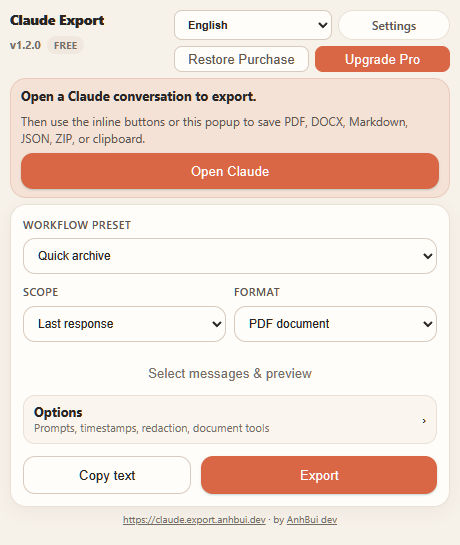
Free includes Clipboard, TXT, Markdown, PDF, and DOCX. Pro adds HTML, JSON, and ZIP.
PDFDOCXMD
Export Claude conversations to PDF, DOCX, Markdown, HTML, TXT, JSON, ZIP, or clipboard with the right message range and readable structure that survives outside the browser.
Install from the official browser store, then open any Claude conversation and export from the inline controls.
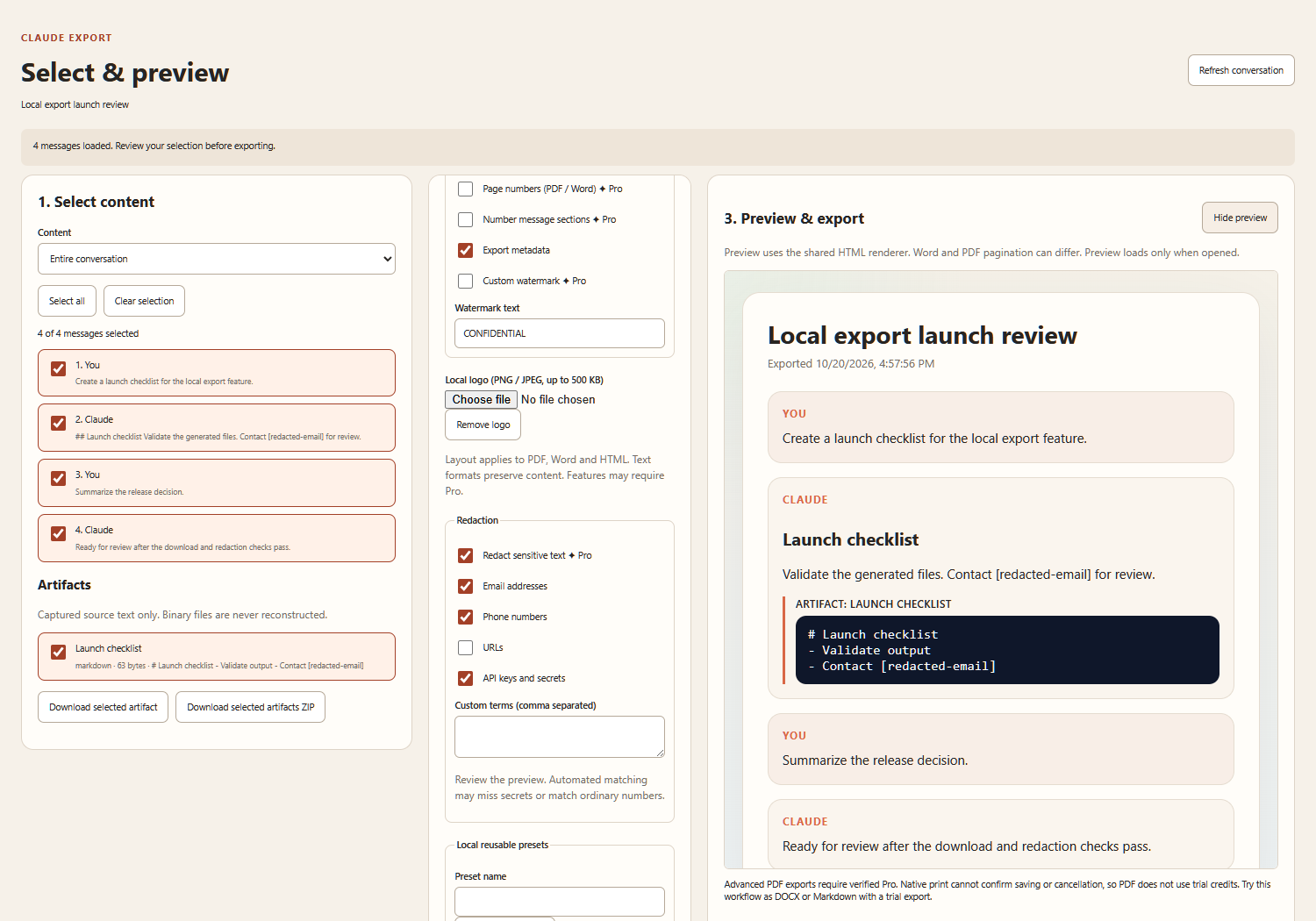
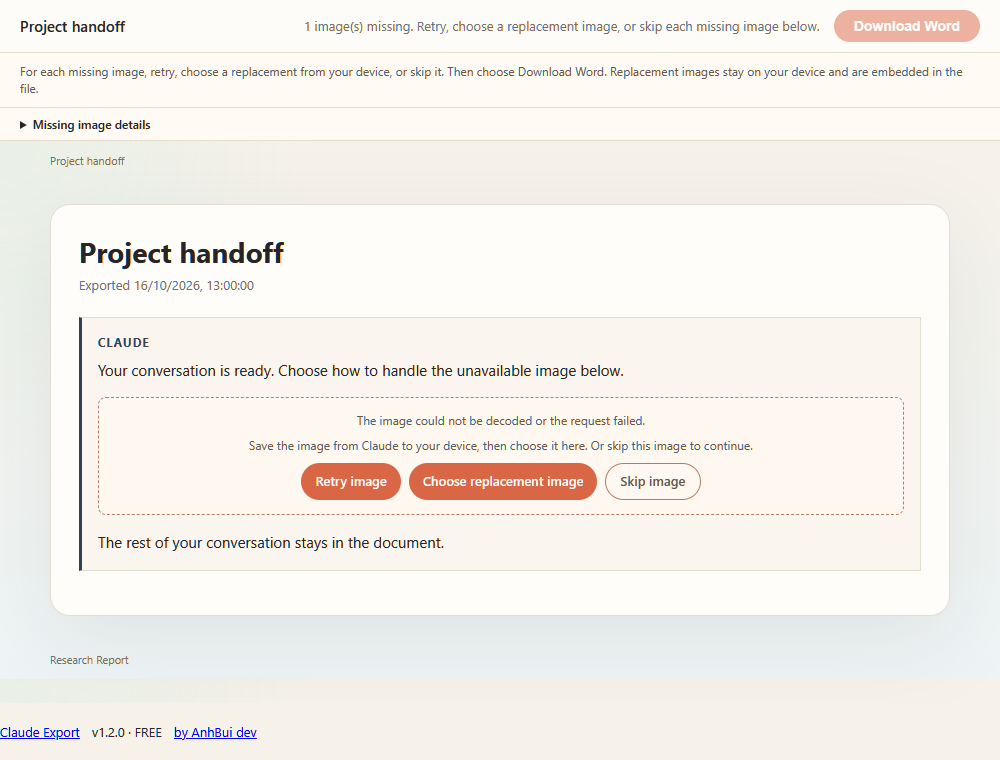
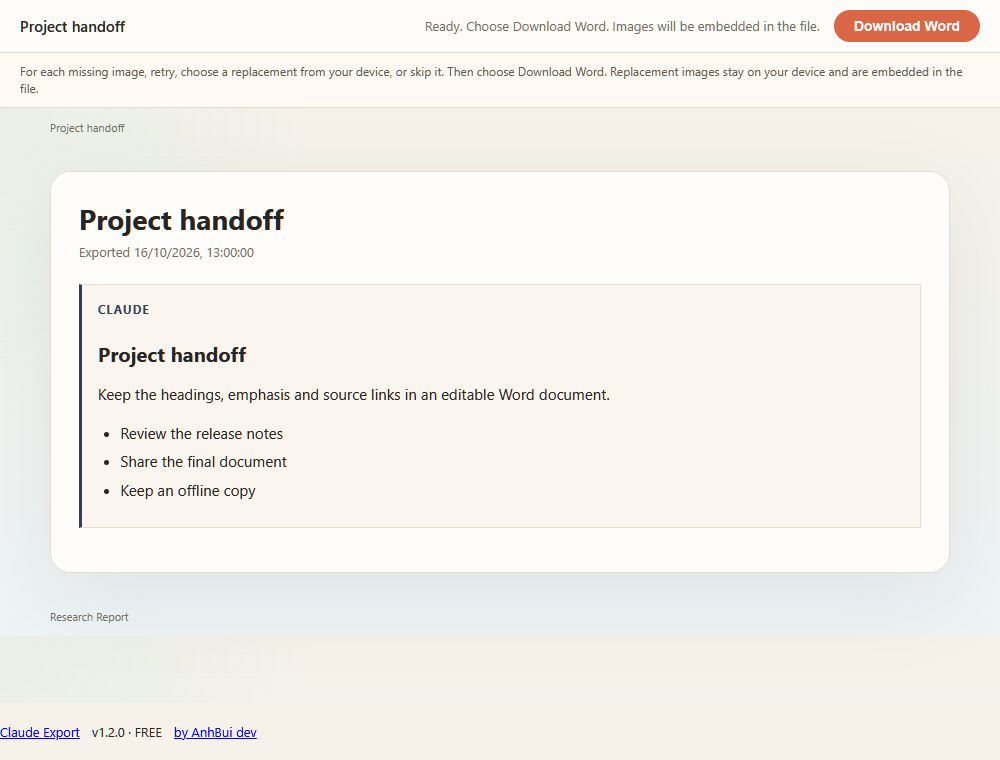
Claude Export keeps the useful parts of a conversation intact: readable PDF and Word documents, uploaded images and galleries, code blocks, format choice, and purchase restore. Check the preview and resolve or skip any missing image before downloading Word.
Free includes Clipboard, TXT, Markdown, PDF, and DOCX. Pro adds HTML, JSON, and ZIP.
Save the last answer or full thread on Free; Pro adds a custom message range when you only need part of the work.
PDF, Word and HTML exports retain readable headings, lists, basic tables, code blocks, and conversation structure for offline use.
Code, documents, and files Claude builds in the side panel are exported with the answer instead of being left behind. Claude's thinking can be included too.
Every install gets 5 advanced non-PDF trial downloads or copies, charged only after confirmed completion. Advanced PDF requires verified Pro.
Uploaded images and galleries stay with PDF and Word content. Missing images offer retry, a local replacement or an explicit skip before saving.
Unlock unlimited full-conversation exports, custom ranges, document templates, cover pages, headers, table of contents, custom watermarks, and watermark-free files.
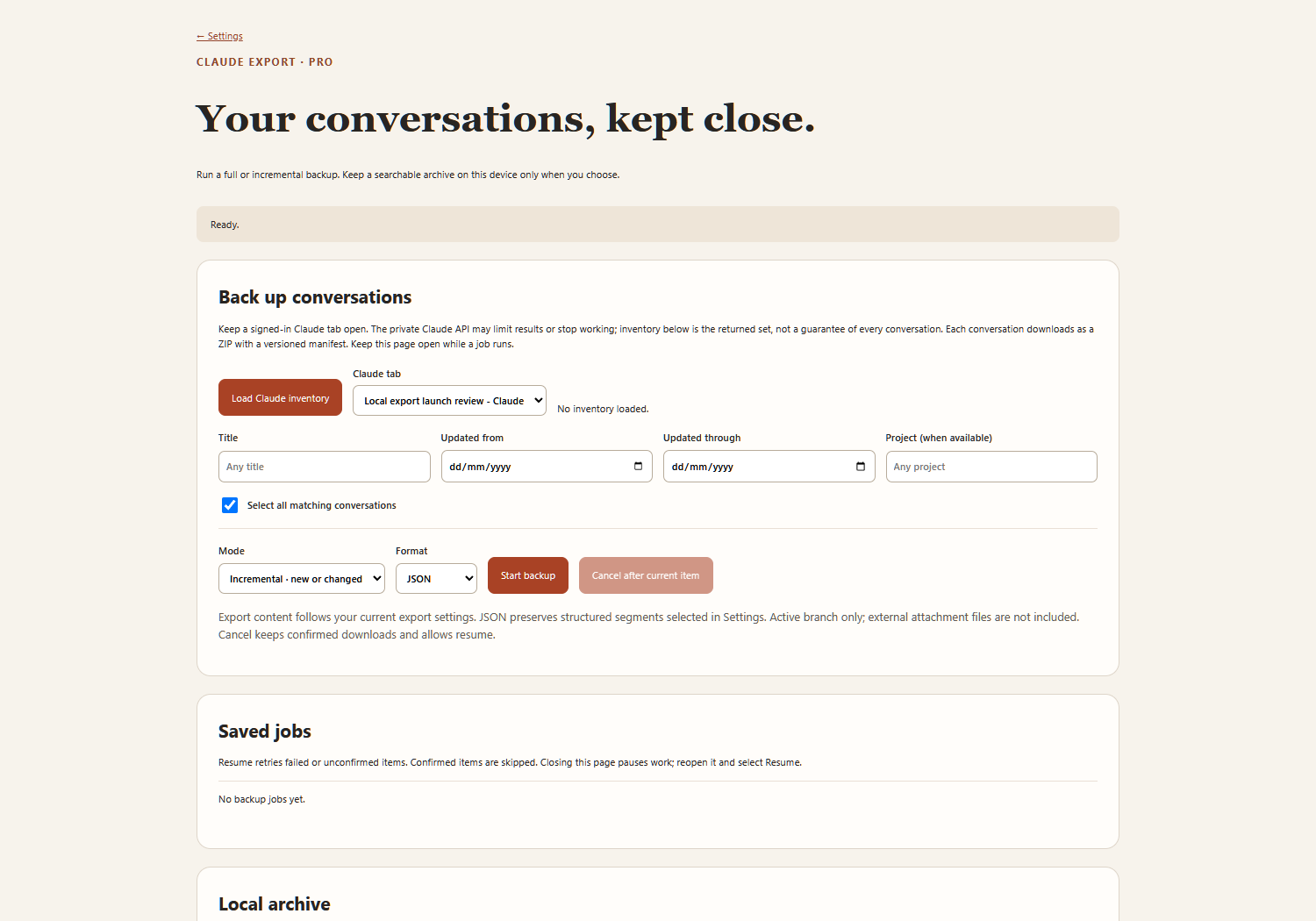
Pro: select many conversations — or your whole history — and save them together in one ZIP.
Pro: send a selected conversation directly to Notion as labeled sections, paragraphs, and fenced code blocks.
Checkout automatically activates Pro in the browser that completed it; email OTP restores Pro on another trusted device.
Revoke old devices, cancel subscriptions at period end, and keep access organized.